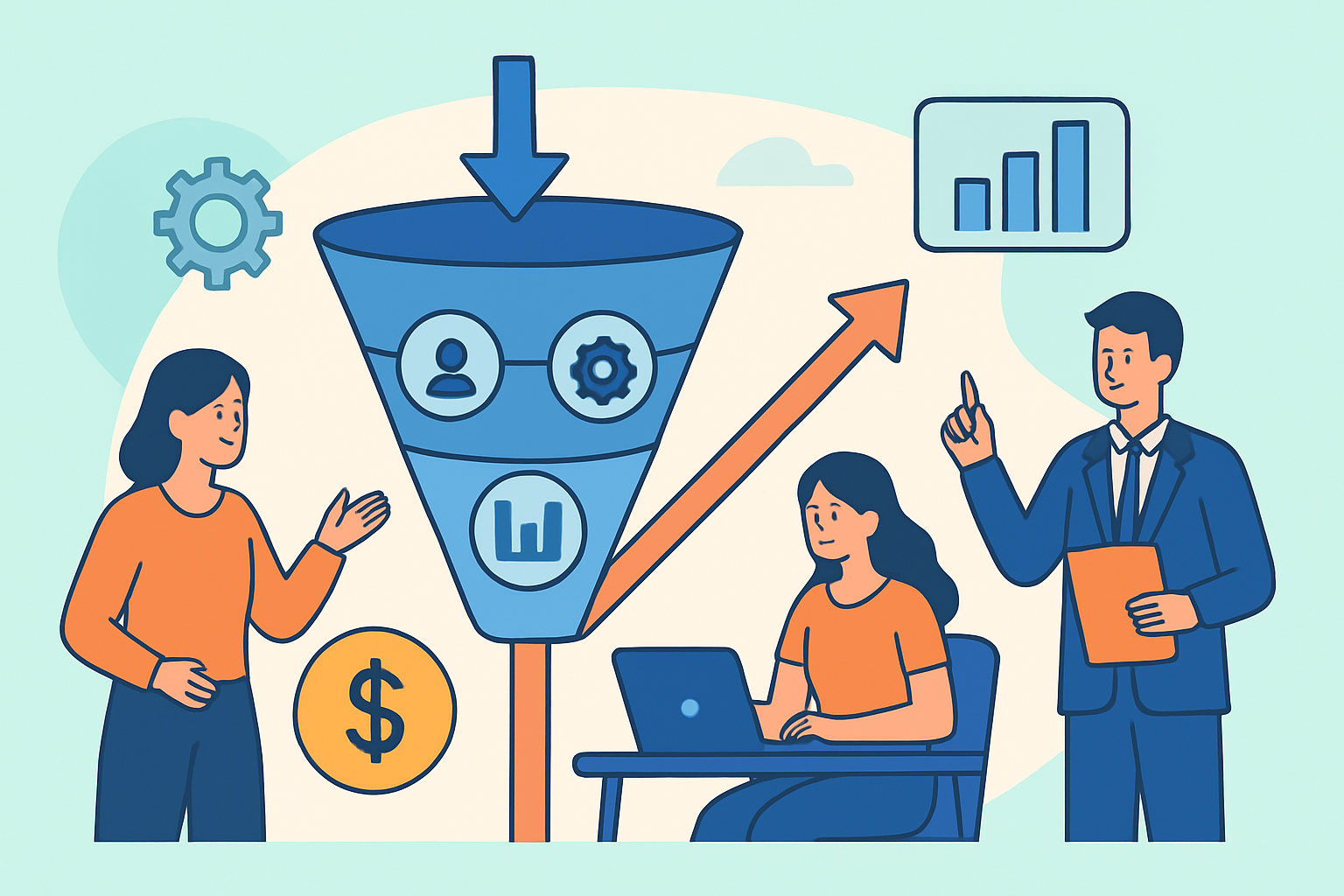
Sales pipeline automation is how high-performing sales teams stop relying on luck and start generating predictable revenue quarter after quarter. The challenge isn’t a lack of tools – it’s knowing which parts of your pipeline to automate, in what order, and how to measure whether it’s actually working.
Most sales leaders have seen the same pattern: a strong month followed by a weak one, a pipeline that looks full but converts poorly, reps spending hours on follow-up emails instead of closing. These are symptoms of a manual process pretending to be a system.
Why Pipeline Visibility Alone Won’t Drive Results
A lot of teams confuse having a CRM with having a sales system. Logging activities in HubSpot or Salesforce gives you visibility – but visibility without automation is just documentation. You can see exactly where deals are stalling and still not have the capacity to act on every one of them.
The pipeline doesn’t generate revenue. The actions taken inside it do. Automation is how you make those actions consistent, fast, and scalable without adding headcount.
The Stages Most Suitable for Automation
Not every part of the sales process should be automated. The goal is to remove friction and delay from the transitions between stages – not to replace the human judgment that closes deals.
Lead capture and enrichment – When a new lead enters the pipeline from a form fill, an ad click, or an inbound email, automation should instantly enrich the contact record with firmographic data, assign a lead score, and route to the right rep. Manual data entry at this stage costs time and accuracy.
Initial outreach sequencing – The first 48 hours after a lead enters the pipeline are critical. Automated email sequences triggered by specific actions – downloading a guide, requesting a demo, visiting a pricing page – consistently outperform manually scheduled follow-ups. Response rates drop sharply after 24 hours of inactivity.
Stage progression alerts – Deals that go quiet are the single biggest leak in most pipelines. Automation can trigger internal alerts when a deal hasn’t moved in seven days, prompt reps to take action, or escalate to a manager if a high-value opportunity is at risk.
Post-meeting follow-up – Sending a recap, sharing a proposal link, or delivering a case study relevant to the prospect’s industry should happen automatically within minutes of a meeting ending – not when the rep gets around to it.
A Step-by-Step Blueprint for Getting Started
The teams that get the best results from sales pipeline automation don’t automate everything at once. They start with the highest-friction stage and expand from there.
Step 1 – Map the manual steps. Before touching any software, document every manual task that happens between “lead enters” and “deal closes.” Include internal handoffs, approval steps, and communication touchpoints. This is where the automation opportunities become obvious.
Step 2 – Prioritize by volume and delay. Which manual tasks happen most frequently? Which cause the longest delays between pipeline stages? Start with the intersection of high volume and high delay – that’s where automation delivers the fastest ROI.
Step 3 – Set up lead scoring before you automate outreach. Automating outreach without AI-powered lead scoring means sending the same cadence to every contact regardless of fit or intent. Lead scoring ensures automation effort is concentrated on the prospects most likely to convert.
Step 4 – Build triggers around intent signals, not just time intervals. Time-based sequences like “follow up on day 3, day 7, day 14” are a starting point, but behavioral triggers perform better. A prospect who views the pricing page twice in one week is showing more intent than one who hasn’t opened an email in two weeks. Build automation logic that responds to these signals.
Step 5 – Close the loop with reporting. Automation that runs without measurement is a black box. Set up dashboards that track stage conversion rates, average time in each stage, and rep response times. These numbers tell you whether the automation is compressing your sales cycle or just creating activity noise.
The Myth That Automation Makes Sales Impersonal
This is the most common objection to pipeline automation – and it’s backwards. The teams that skip automation in the name of “personalization” end up sending copy-paste emails manually, days late, with no context about what the prospect actually did before the message arrived.
Done well, automation makes outreach more personal, not less. Behavioral triggers allow messages to be sent at exactly the right moment, referencing exactly the right action. A human rep drafting an email three days after a prospect visited a pricing page is far less relevant than an automated message sent within minutes of that visit – especially when that message includes content tailored to the prospect’s industry or company size.
The goal of automation is to give reps more time for the interactions that genuinely require human judgment: discovery calls, negotiations, complex objections. Everything else should be systematized.
What Good Pipeline Automation Looks Like in Numbers
A practical benchmark: companies that implement structured sales pipeline automation typically see a 15–30% reduction in average sales cycle length within the first six months. Stage conversion rates from MQL to SQL often improve by 20–40% once automated scoring and routing are in place.
Lead response time is one of the most measurable improvements. Studies consistently show that responding to an inbound lead within five minutes increases qualification rates by over 80% compared to responding after 30 minutes. Manual processes rarely achieve sub-five-minute response. Automation does it every time.
The metric to watch most closely isn’t volume – it’s velocity. How fast are qualified deals moving through each stage? That number predicts revenue before it’s closed.
Frequently Asked Questions
What is sales pipeline automation?
Sales pipeline automation is the use of software and AI to handle repetitive tasks across the sales process – including lead routing, follow-up sequences, stage progression alerts, and data enrichment – so that reps can focus on the conversations that drive decisions.
How long does it take to see results from pipeline automation?
Most teams begin to see measurable improvements in lead response time and stage conversion rates within 30–60 days of implementation. Larger gains in cycle length and win rate typically become visible at the 90–180 day mark, once the system has enough data to optimize trigger logic and scoring models.
Which CRM platforms support pipeline automation?
HubSpot, Salesforce, and Pipedrive all support robust pipeline automation through native workflow builders and integrations with tools like Outreach, Salesloft, and Apollo. The platform matters less than the quality of the data flowing through it – clean, enriched contact records are a prerequisite for automation to work as intended.
Building Automation That Compounds Over Time
The best sales pipeline automation systems are built to improve as they run. Every deal closed – or lost – adds data that sharpens scoring models, refines trigger timing, and surfaces which sequences convert for which segments.
Start with the highest-friction stage in your current pipeline. Automate it properly, measure it for 60 days, then move to the next one. That’s how you build a revenue system that doesn’t depend on individual rep performance or perfect market conditions to deliver consistent results.