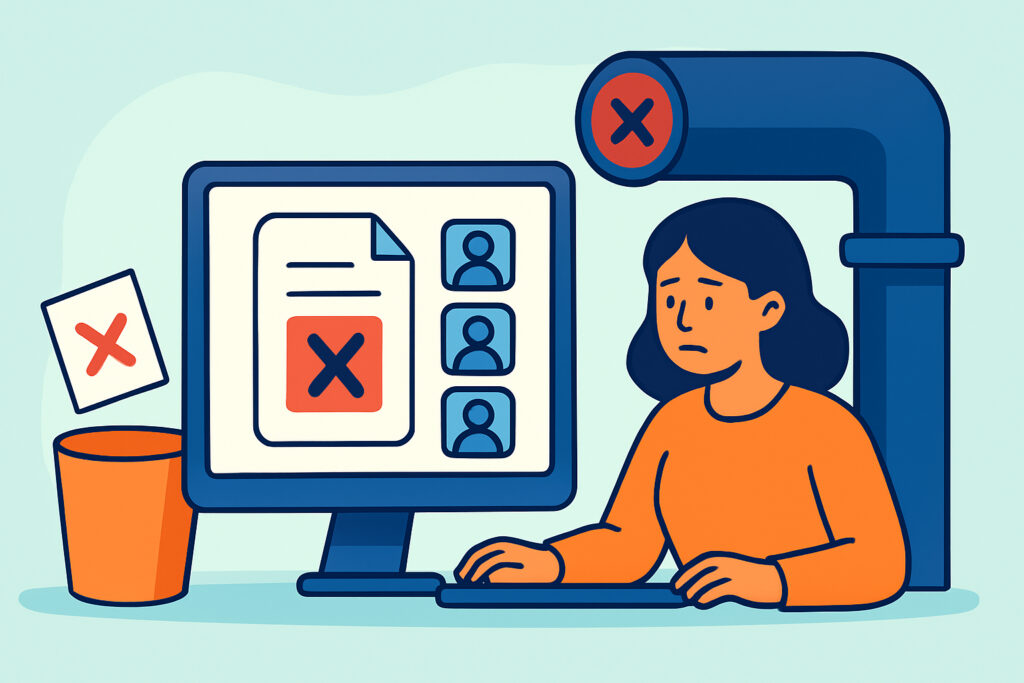
Duplicate records in a CRM rarely set off alarms. Most teams only notice them after something goes wrong. Two reps call the same VP of Operations in one week, a nurture sequence sends the same prospect three welcome emails, or the quarterly forecast counts one opportunity twice. This article explains how data deduplication in CRMs works, why duplicates quietly damage your pipeline, and how to set up a deduplication process that runs without anyone babysitting it.
The payoff is practical. Clean records mean lead routing goes to the right rep, lead scoring rewards real engagement instead of split engagement, and your sales automation stops embarrassing you in front of buyers.
How Duplicates Break the Sales Funnel
Picture a mid-market SaaS team with eight reps and HubSpot as the CRM. A prospect downloads a whitepaper with her work email, then books a demo two weeks later using a Gmail address. Now she exists twice. Round-robin routing sends each record to a different rep. Both reach out. The buyer gets two calendar invites from the same company and wonders whether anyone there talks to each other.
That is the visible damage. The hidden damage is worse. Engagement is split between two records, so neither one reaches the lead score threshold for MQL status. The account looks lukewarm when it is actually hot. Attribution reports credit the whitepaper to one record and the demo to another, so marketing can’t connect content to pipeline.
Audits of B2B databases that have run for 3-5 years without active cleanup often find duplicate rates somewhere in the 10-25% range. The exact number varies by industry and import habits, but even 10% is enough to distort conversion rate reporting and make every downstream automation less reliable.
The Myth That Your CRM Already Handles This
A common belief is that modern CRMs deduplicate automatically. They do – partly. HubSpot deduplicates contacts by email address and companies by domain. That catches the obvious cases and misses everything else: the personal Gmail, the typo in “Jonh,” the company listed as “Acme Inc.” on one record and “ACME Corporation” on another with no domain filled in.
Salesforce takes a different approach with Matching Rules and Duplicate Rules. Out of the box, the standard rules can alert a user when they create a likely duplicate, but they can be configured to allow the save anyway – and many orgs leave it that way to avoid slowing reps down. Records created through the API or bulk imports can also bypass rules depending on configuration.
The native tools are a floor, not a solution. Treating them as complete is how databases drift into chaos over two or three years.
Where Duplicates Actually Come From
An experienced revenue operations manager starts a deduplication project by tracing the sources, not by merging records. Merging without fixing the source is like mopping a floor under a running tap.
The usual culprits are list imports from trade shows, form submissions from multiple landing pages, integrations that create records on sync (Zoom webinars, Intercom, Calendly), and enrichment tools that write new contacts instead of updating existing ones. AI-powered prospecting tools are a growing source. When an AI SDR agent pulls contacts from Apollo or ZoomInfo and pushes them into the CRM without a match check, it can create hundreds of near-duplicates per week.
Every one of those entry points needs a matching rule before the record is written.
A Step-by-Step Approach to CRM Data Deduplication
Step one is a baseline. Export contacts, companies, and open deals, and measure duplicates by several keys: email, normalized phone number, first name plus last name plus company domain, and LinkedIn URL. This gives you a real number to improve against.
Step two is defining the “surviving record” rules before any merge happens. Which record wins – the oldest, the one with the most activity, or the one owned by the active rep? Which field values carry over? Teams that skip this step lose deal history, owner assignments, and consent data in the merge.
Step three is the historical cleanup. For HubSpot, Insycle and Dedupely are common choices. For Salesforce, DemandTools from Validity and Cloudingo handle bulk fuzzy matching far better than the native merge, which only combines up to three records at a time. Pricing for these tools generally runs from roughly $30-100 per month for small databases to several thousand per year for enterprise volumes.
Step four is prevention. Add match-before-create logic to every integration, require domain on company records, and normalize fields like phone and country at entry. Step five is scheduling: a weekly automated dedupe job for high-confidence matches, and a monthly human review queue for fuzzy ones.
This is where AI earns its place. Machine learning matching models handle variations that rules miss – “Bob” versus “Robert,” transposed digits, company subsidiaries – and assign a confidence score. High scores merge automatically. Middle scores go to a human. That split keeps automation fast without letting it make irreversible mistakes. Clean data also makes everything else work better, which is why CRM data hygiene is the foundation of AI automation rather than a side project.
Common Mistakes That Make Duplicates Worse
The first mistake is merging aggressively on fuzzy matches without review. Two different people named Michael Chen at two different companies get merged, and now a rep is emailing the wrong person with the wrong history. Merges are hard to undo cleanly in both HubSpot and Salesforce.
The second is cleaning once and calling it done. A one-time cleanup in January without prevention rules means the duplicate rate is back to where it started by Q3. Imports never stop.
The third is measuring the wrong thing. Teams report “records merged” as a success metric. The better metric is the duplicate creation rate per week – it tells you whether the source is fixed.
Exceptions and Edge Cases
Standard advice does not fit every situation. Franchise businesses, healthcare networks, and multi-location retailers often share one domain across legally separate accounts, so domain-based company matching will wrongly merge them. Use a location or parent-child hierarchy instead.
Non-English markets need different matching logic. “Müller” and “Mueller” are the same name, and transliterated names from Japanese, Arabic, or Cyrillic scripts vary wildly. Default fuzzy matching tuned for English names will under-match.
In regulated industries, merges affect consent records. Under GDPR and CCPA, you must keep the most restrictive opt-out status when merging, never the most permissive. Teams under 10 people with fewer than 5,000 records often don’t need paid tooling at all – a quarterly manual review plus native rules may be enough.
FAQ
How often should a CRM be deduplicated?
High-confidence matches should merge automatically on a weekly or daily schedule. Fuzzy matches deserve a monthly human review. Large imports should trigger an immediate check.
Can AI deduplicate a CRM without human review?
For exact and near-exact matches, yes. For lower-confidence matches, a human should approve merges, because a wrong merge combines activity histories and can misroute deals.
Does deduplication affect lead scoring?
Yes, significantly. Merging records consolidates engagement, so leads that were split across duplicates often jump above MQL thresholds after cleanup – which is why scoring thresholds should be reviewed after a major dedupe.
Keeping the Pipeline Clean for Good
Duplicates are a process problem that shows up as a data problem. Fix the entry points first, define survivorship rules before merging, and let AI handle the confident matches while people review the uncertain ones. Then track one number every week: new duplicates created. When that number stays flat near zero, your routing, scoring, and forecasting can be trusted again.